How to resize images for Meesho
Resize listing photos to 1080×1440 (3:4) the right way — keep the product centered, avoid stretch, and export a Meesho-ready JPEG.
Read guideFor Indian Meesho sellers
Make Meesho listing photos the right size — free, in your browser.
Meesho listing photo ko sahi size mein banayein — free, bina account.
Empty space can make a product look bigger than it is. Frame it for Meesho at 1080×1440 (3:4), download, then check shipping in Supplier Panel — private on your device.
Built for Indian Meesho sellers
See the difference
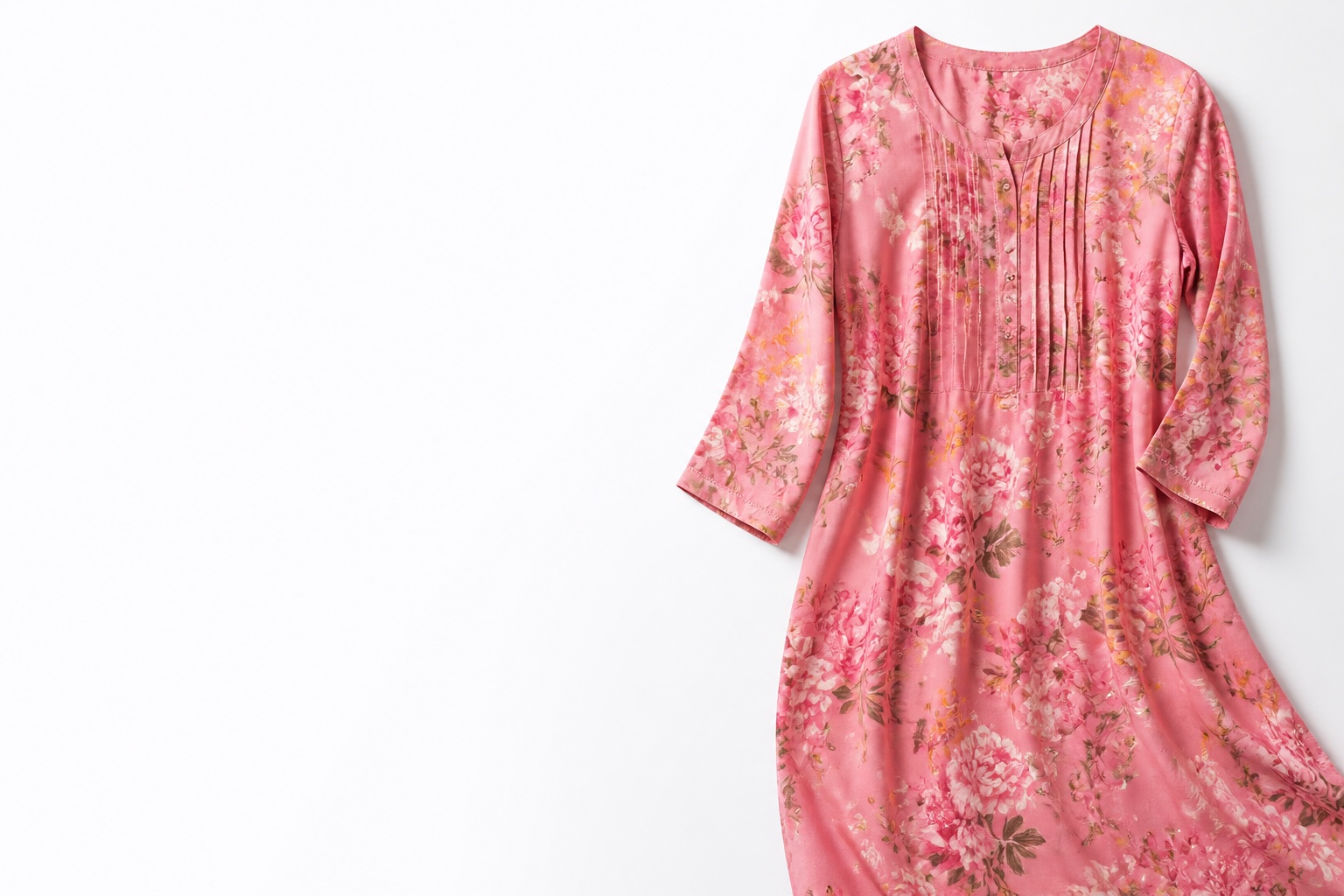
Empty-heavy photos can make a product look oversized in Meesho listing frames. A tighter crop helps the product occupy a more realistic space — confirm shipping in Supplier Panel.
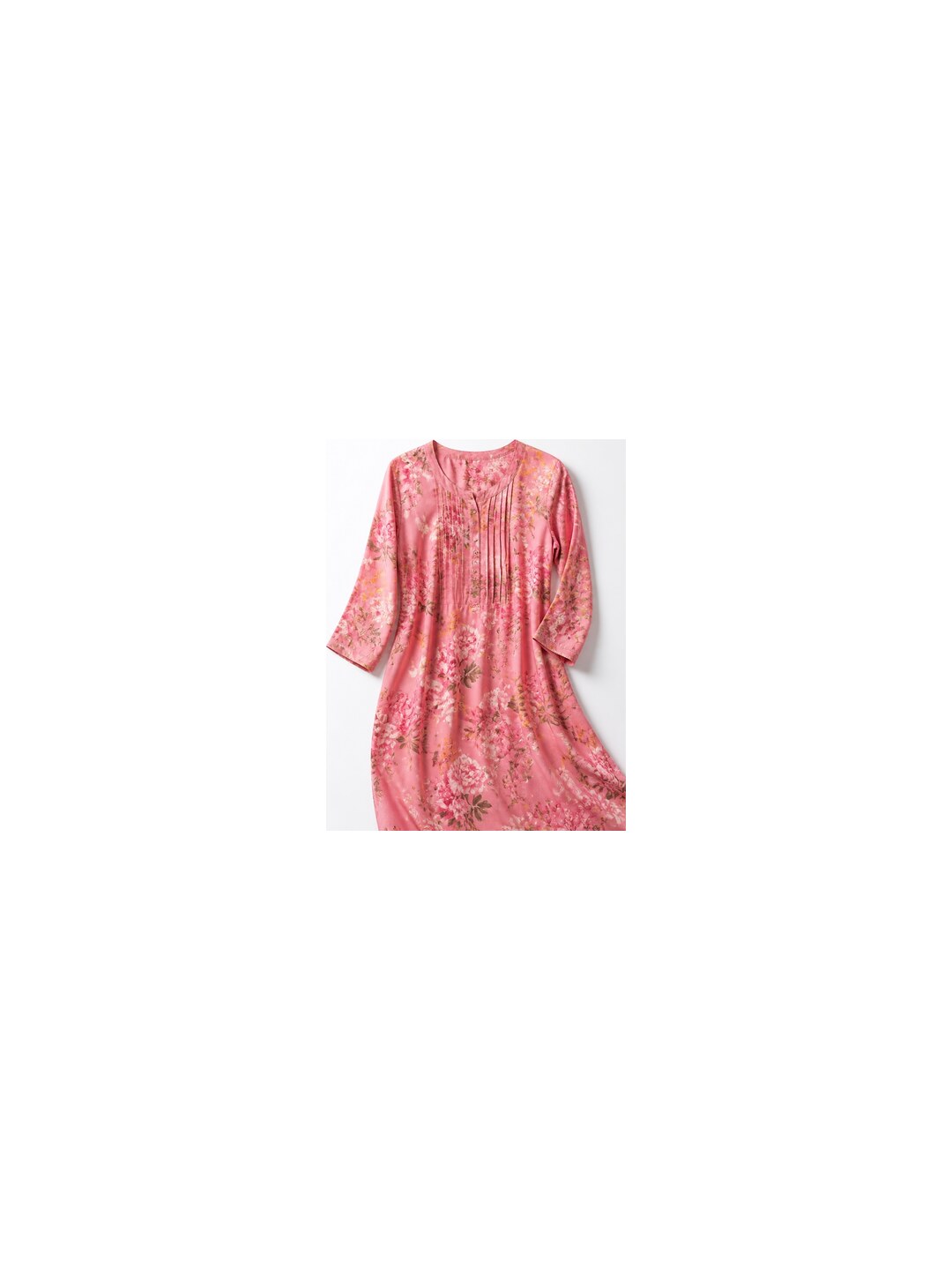
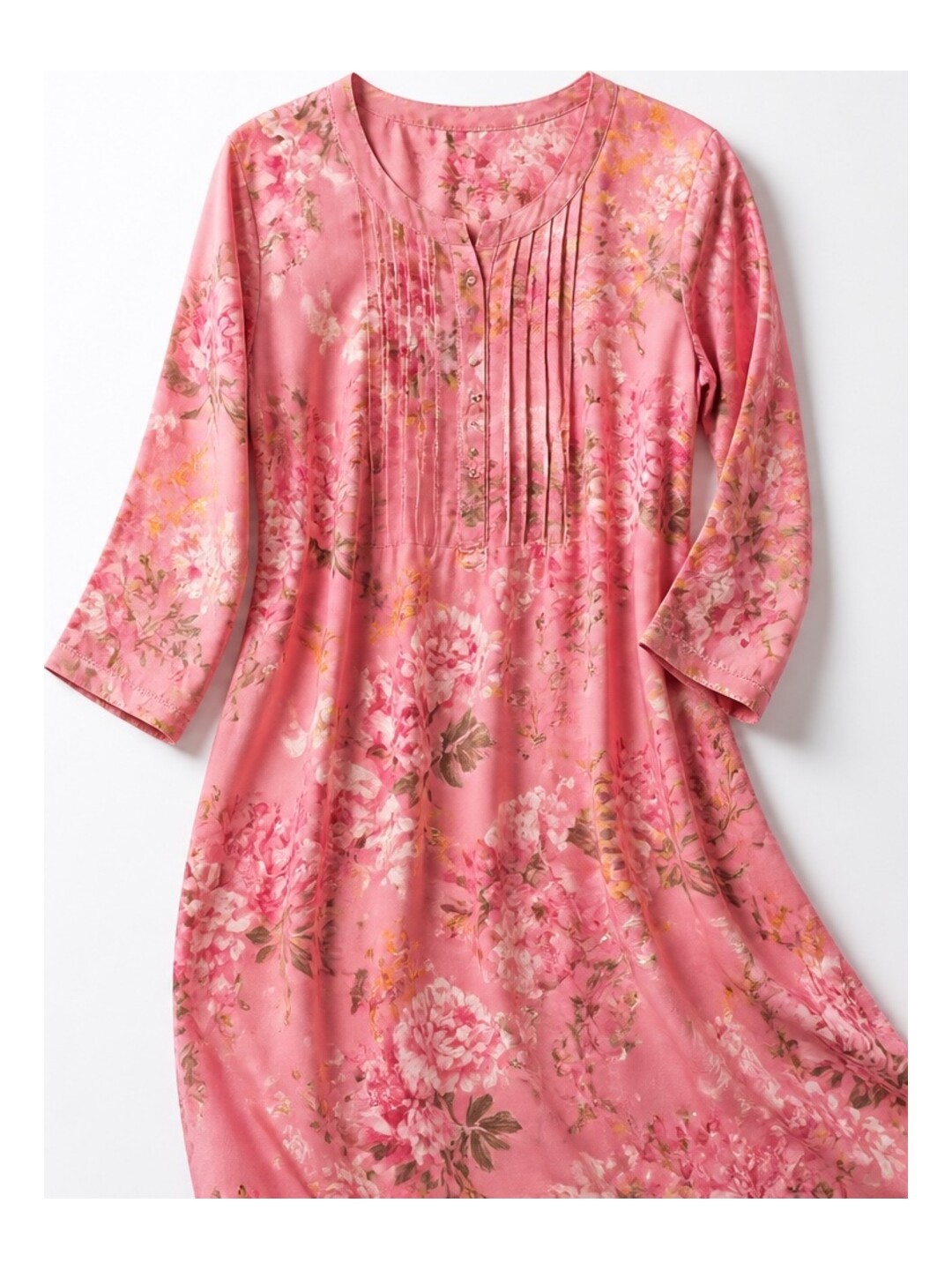
Frame size difference
Example: product area in the listing frame rises from about 28% to about 75% — less empty space that can read as a larger package. This is a framing comparison, not a Meesho shipping quote.
Optimize your imageWhy sellers need this
Listing photos do more than look pretty. Framing can change how large a product appears — and that can affect how shipping is estimated.
Lots of white space around a small product can make it look bigger than it is.
When empty space fills the photo, the product can look like a larger package.
Meesho may use listing photos for size. A bulkier look can mean a higher slab — always check Supplier Panel.
A clean 1080×1440 (3:4) frame helps products look true-to-size. It does not guarantee lower shipping.
ImageReady helps you trim empty space and export consistent Meesho-ready frames. Exact shipping charges still come from Meesho Supplier Panel.
Why it matters
Meesho can use listing photos when estimating package size. A tight, correctly framed image helps your product occupy a realistic space — then we give you Meesho-ready 1080×1440 exports to upload.
The listing size Meesho sellers commonly upload
Crop or fit — never stretch the product
White padding only when the frame needs it
Adaptive quality 80–90% for clean files
No signup. No server upload.
Built for Meesho sellers
Loose, empty-heavy photos are harder for buyers — and can look oversized in Meesho’s frame. Generate five cleaner versions, pick one, and confirm shipping in Supplier Panel.
One upload makes five versions. Pick the best for your listing.
Cuts empty space so your product looks true-to-size.
Exports 1080×1440 (3:4) — ready for Meesho.
Keeps photos clear and file size light for upload.
Crop, resize, and set background yourself when you need more control.
Three steps
Start with the problem photo. Leave with a correctly framed Meesho listing image — processed only on this device.
Add one product photo (JPG, PNG, or WEBP). It stays on your phone/computer.
Get five framed versions with different crop styles.
Download the best one, then check shipping in Meesho Supplier Panel.
Open Quick Optimize for five versions, or use Advanced Editor when you want full control.
After download
ImageReady prepares the photo. Meesho shows the real shipping charge.
Use 1080×1440 JPEG
3:4 portrait — ImageReady’s default export size
Keep a white background
Clean frame, product centered
Upload in Supplier Panel
Add the photo to your Meesho listing there
Check live shipping there
Only Meesho shows the real charge for your package
Blogs
Short tips on listing photos, sizing, and shipping checks — written for Indian Meesho sellers.
Resize listing photos to 1080×1440 (3:4) the right way — keep the product centered, avoid stretch, and export a Meesho-ready JPEG.
Read guideHeavy photos slow uploads. Learn how to compress Meesho listing images to practical JPEGs while keeping fabric and detail clear.
Read guideFrom phone photo to Supplier Panel: a simple Meesho listing photo workflow that saves time and keeps catalogs consistent.
Read guideFAQ
Privacy, size, formats, and what optimized Meesho listing photos really mean.
Try the optimizerNo. Your photo stays in the browser. Nothing goes to our server. No account needed.
Yes — free, no signup, no watermark, no payment.
Quick Optimize exports 1080×1440 (3:4), a common Meesho listing size. Advanced Editor can use custom sizes.
JPG, PNG, and WEBP (up to 20MB). Quick Optimize downloads JPEG for Meesho. Advanced Editor can also save PNG or WEBP.
We keep JPEG quality around 80–90% so photos stay clear but light. We never stretch the product. A blurry original will still look blurry.
So you can compare framing styles and pick what looks best before uploading in Meesho Supplier Panel.
Not guaranteed. Better framing can help the product look true-to-size. Real shipping still depends on your package and Meesho. Always check Supplier Panel.
Free · No signup
Upload once, pick a clean 1080×1440 frame, download — then check shipping in Supplier Panel.